![Ozen Long - Back (1)-2.png]](https://support.ozeninc.com/hs-fs/hubfs/Ozen%20Long%20-%20Back%20(1)-2.png?height=50&name=Ozen%20Long%20-%20Back%20(1)-2.png)
Create a transient table with the required format in .csv extension. An example is shown below.
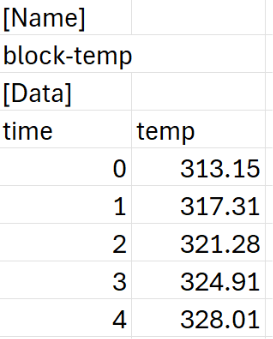
What is most important here is the information after the brackets [Name] and [Data]. Under the [Name] add the name for your profile, and under [Data] add in the first column the time variable and the values, and in the other column the name of your variable and its values, e.g, temp for temperature. Fluent has some variables reserved, such as x, y, z, r, time, and angle, that cannot be used. However, for the variable in the second column, you can select any representative name that will help you to identify the profile in Fluent.
One key aspect in the variable column is the units that you are using for the variable value. For example, for temperature, you must use kelvin, for heat flux W/m2, and for heat generation W/m3. Even if you have changed the units within Fluent, the solver engine will use SI units.
Other considerations about the formatting of the table can be found in the following link: https://ansyshelp.ansys.com/account/secured?returnurl=/Views/Secured/corp/v252/en/flu_ug/flu_ug_bcs_sec_prof.html
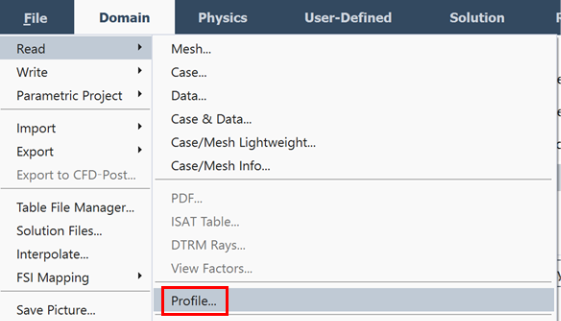
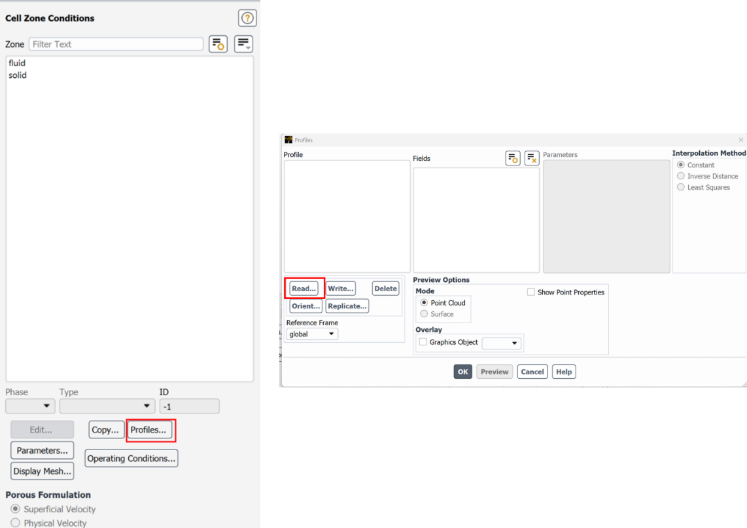
Or in the cell zone and boundary conditions window, you can click in Profiles… -> Read…
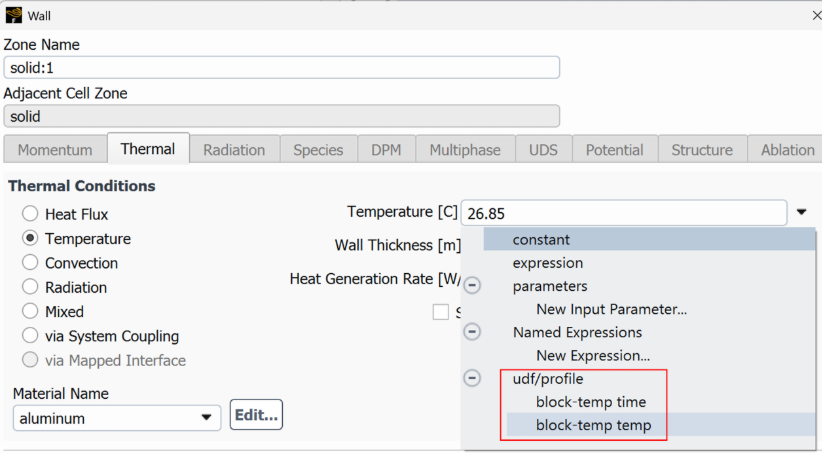
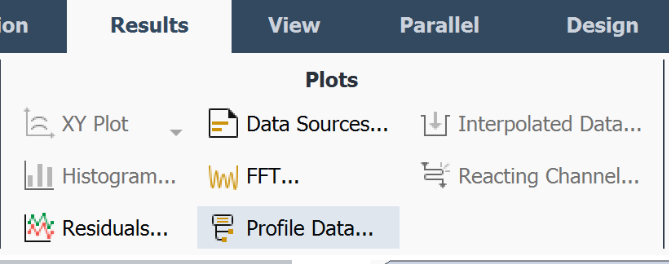
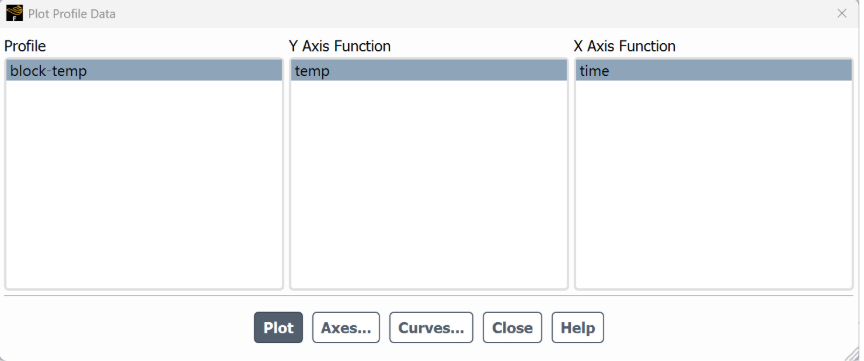
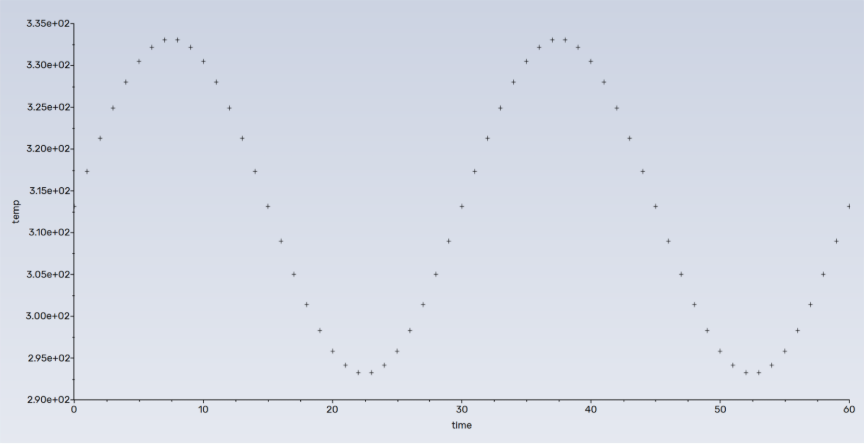
In the Plot Profile Data, you can select the desired axes for each variable and plot the profile.