![Ozen Long - Back (1)-2.png]](https://support.ozeninc.com/hs-fs/hubfs/Ozen%20Long%20-%20Back%20(1)-2.png?height=50&name=Ozen%20Long%20-%20Back%20(1)-2.png)
Answer.
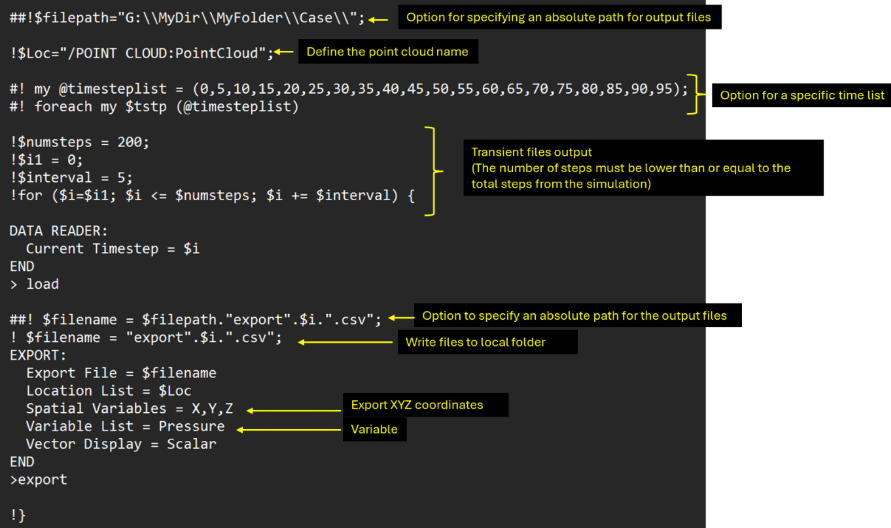
- Create a .cse file with the following code
- Open CFX standalone, and open CFX Post
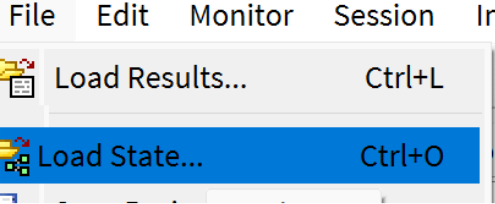
- Load the state from which you will extract the information
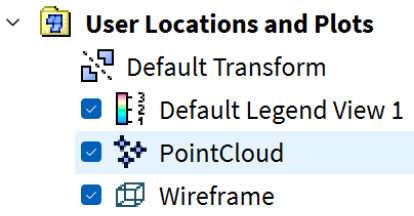
- The state opened must have the Point Cloud created
- In CFD Post, go to Session and then click the play session
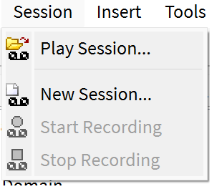
- Look for the file with the Perl code, and read it

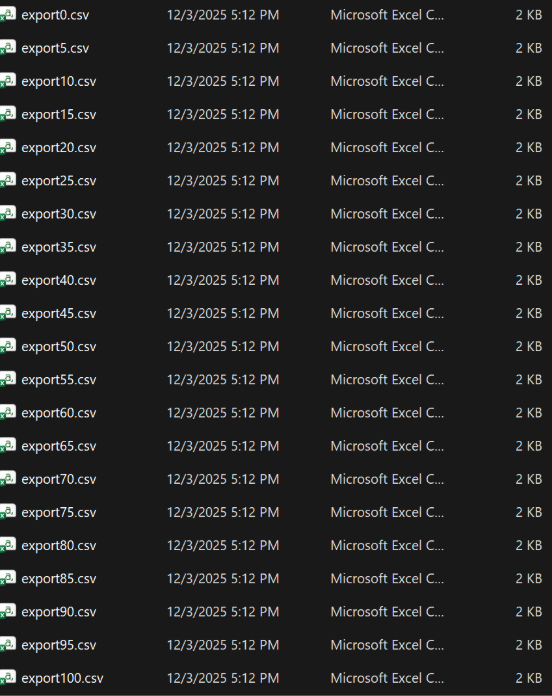
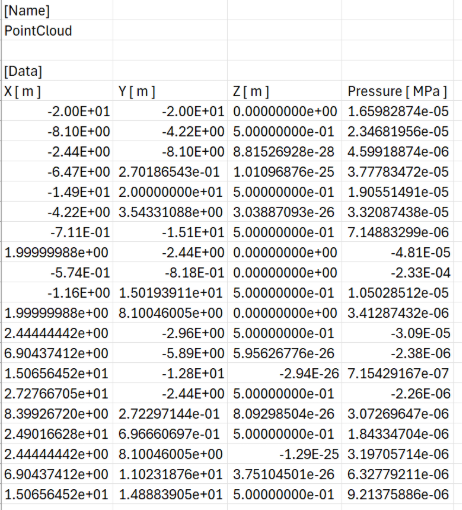
- CFD will create a .csv file for each time step for all the point clouds.