![Ozen Long - Back (1)-2.png]](https://support.ozeninc.com/hs-fs/hubfs/Ozen%20Long%20-%20Back%20(1)-2.png?height=50&name=Ozen%20Long%20-%20Back%20(1)-2.png)
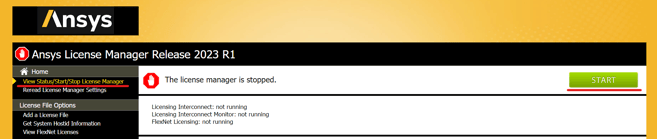
- Stop the Ansys License Manager by selecting View Status/Start/Stop License Manager > Stop
- Launch Notepad as Administrator
- Navigate to C:\Program Files\ANSYS Inc\Shared Files\licensing\license_files
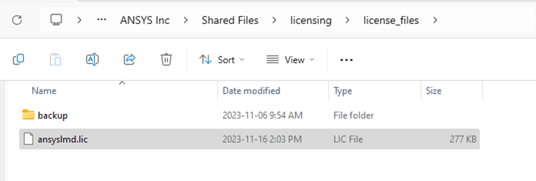
- Open the ansyslmd.lic file and replace the hostname, which is located in the first line of the license file, with the new one
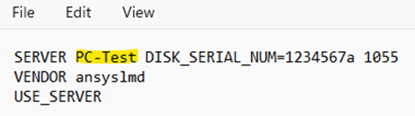
- Save the file
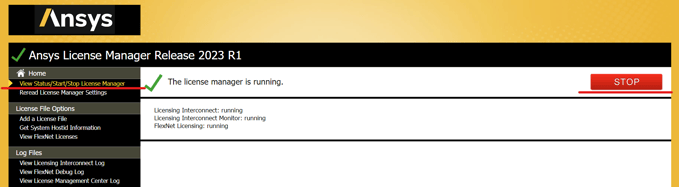
- Start the License Manager by selecting View Status/Start/Stop License Manager > Start