![Ozen Long - Back (1)-2.png]](https://support.ozeninc.com/hs-fs/hubfs/Ozen%20Long%20-%20Back%20(1)-2.png?height=50&name=Ozen%20Long%20-%20Back%20(1)-2.png)
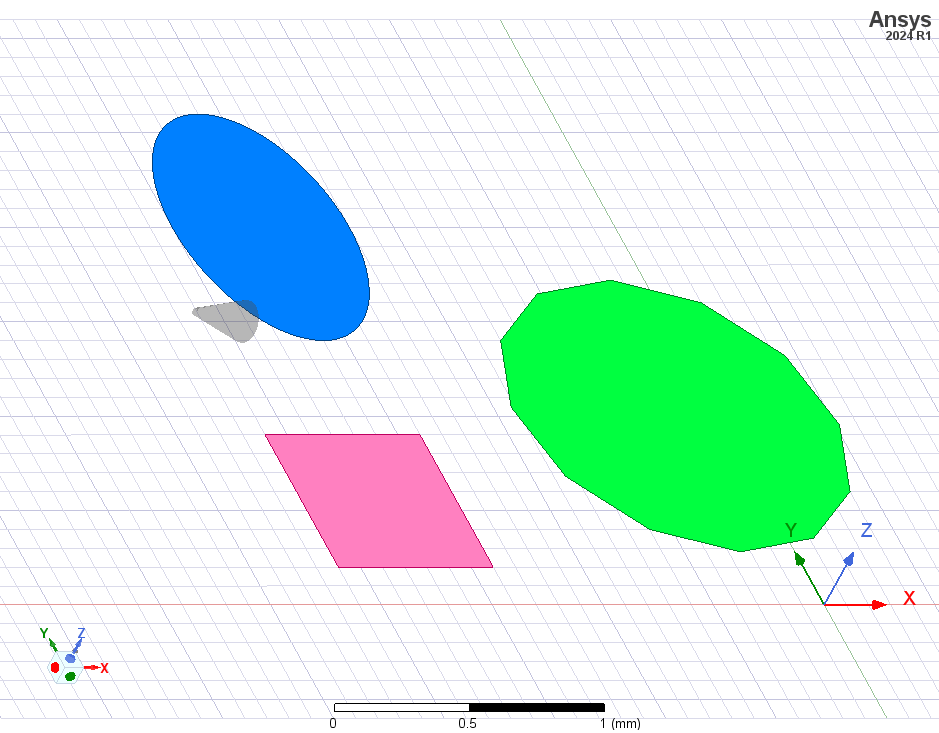
This is actually due to the lighting settings in AEDT.
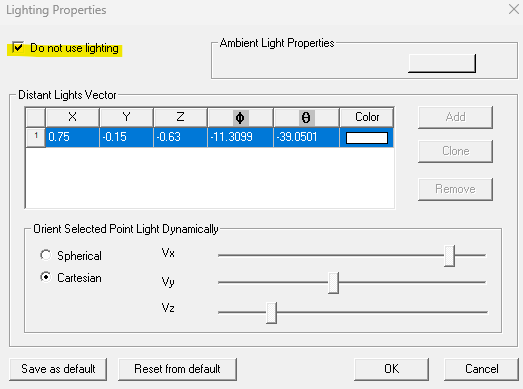
To control this, click on View > Modify Attributes > Lighting, and then enable Do not use lighting. Once this is done, only the chosen colors will be shown without any additional effects.
With lighting:
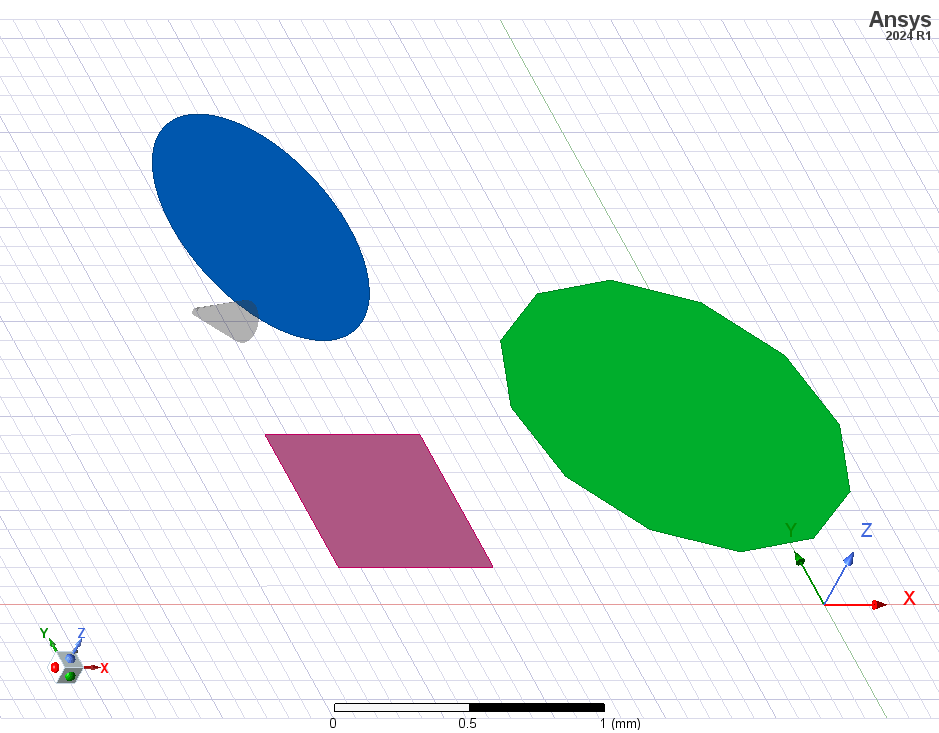
Without lighting: