![Ozen Long - Back (1)-2.png]](https://support.ozeninc.com/hs-fs/hubfs/Ozen%20Long%20-%20Back%20(1)-2.png?height=50&name=Ozen%20Long%20-%20Back%20(1)-2.png)
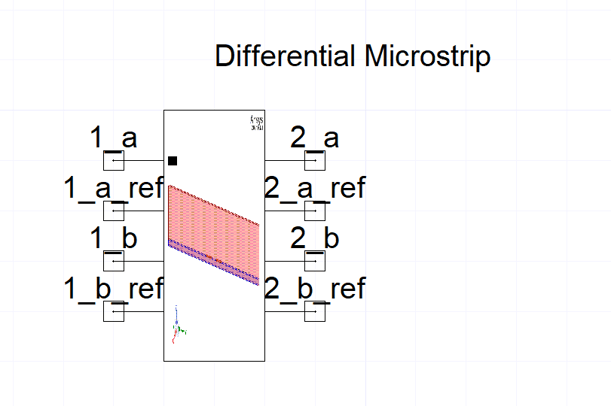
When working with component symbols in Circuit, you may need to add individual reference pins to each port for more precise control and accurate simulations. By adding a separate reference pin for each port, you can assign unique reference voltages and connect each pin to its own net.
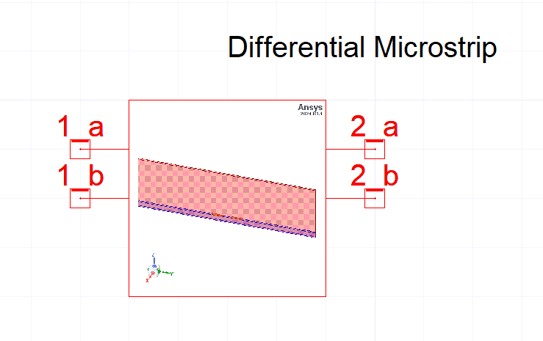
To add individual reference pins per port:
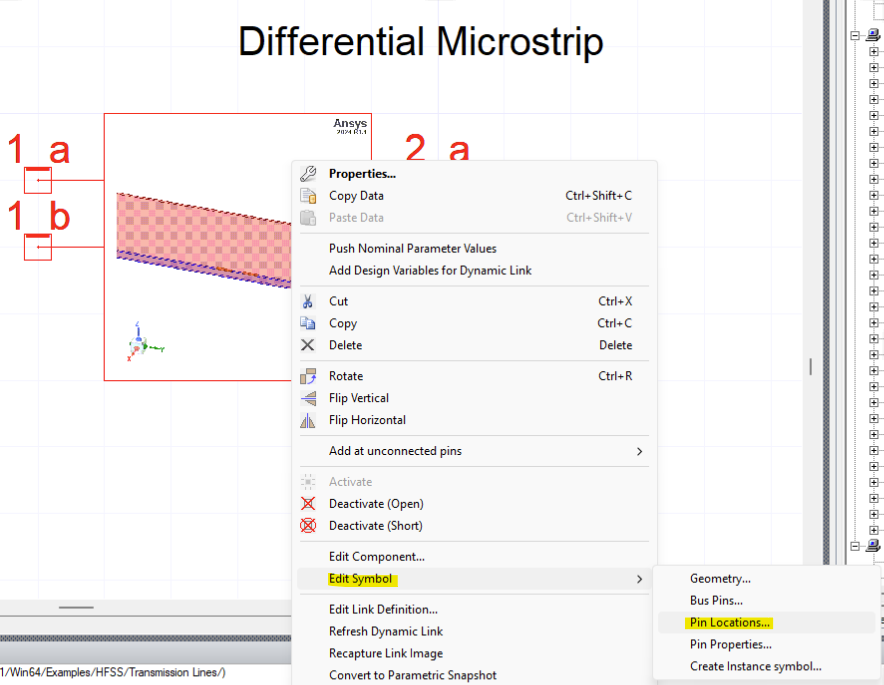
1. Right-click on the symbol and select Edit Symbol > Pin Locations...
2. Change the reference to Add individual reference pin per port
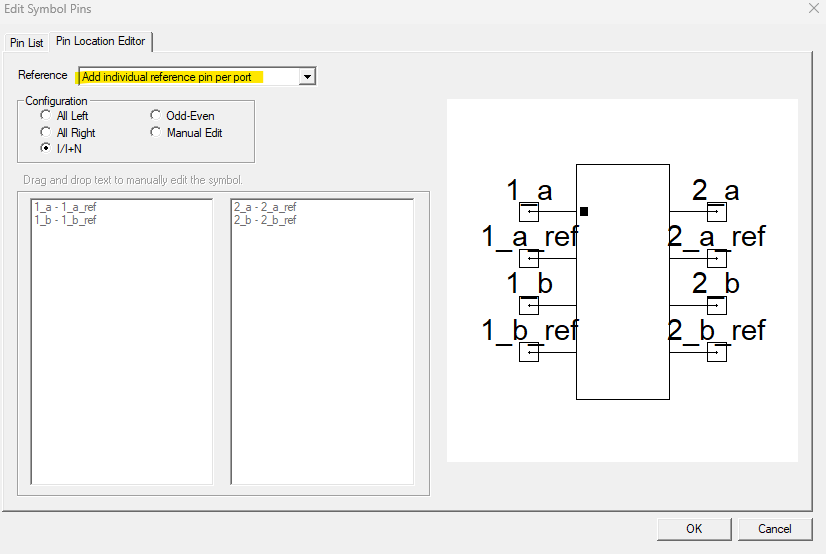
3. Click OK to apply the changes