![Ozen Long - Back (1)-2.png]](https://support.ozeninc.com/hs-fs/hubfs/Ozen%20Long%20-%20Back%20(1)-2.png?height=50&name=Ozen%20Long%20-%20Back%20(1)-2.png)
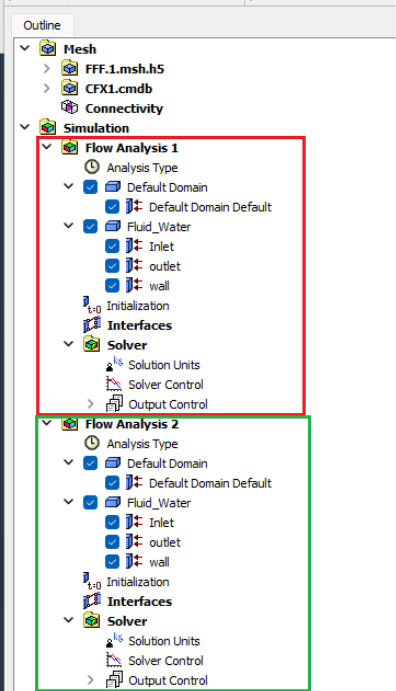
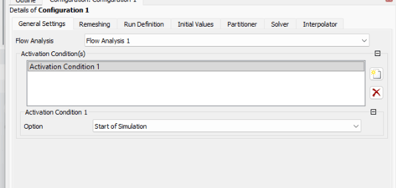
Configuration 1 with Flow Analysis 1
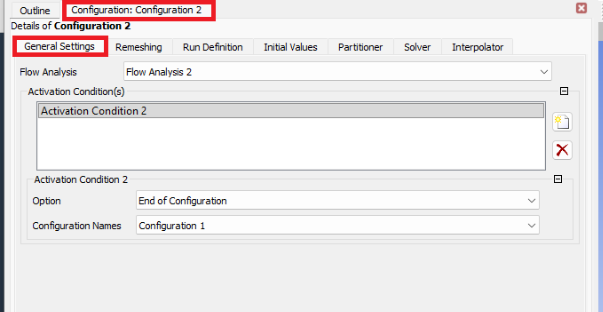
Configuration 2 with Flow Analysis 2
3- Configuration 2: Initial Value
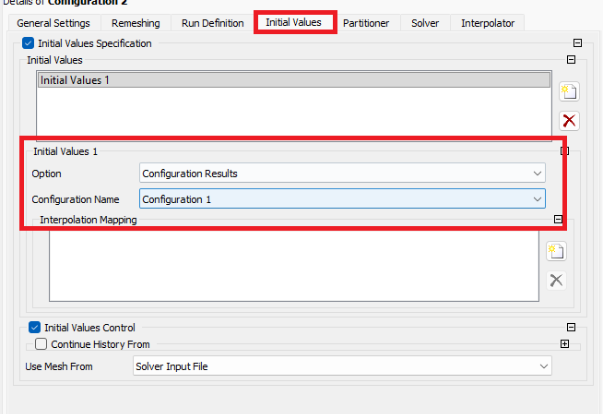
4- The solver will run the first configuration, and upon completion, automatically proceed to the next using the results of the first as an initial condition for the second.