![Ozen Long - Back (1)-2.png]](https://support.ozeninc.com/hs-fs/hubfs/Ozen%20Long%20-%20Back%20(1)-2.png?height=50&name=Ozen%20Long%20-%20Back%20(1)-2.png)
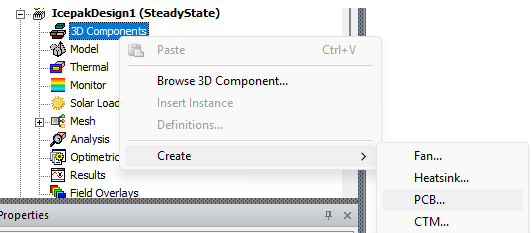
Create a new Icepak model, right-click on 3D Components > Create > PCB
Select a name,
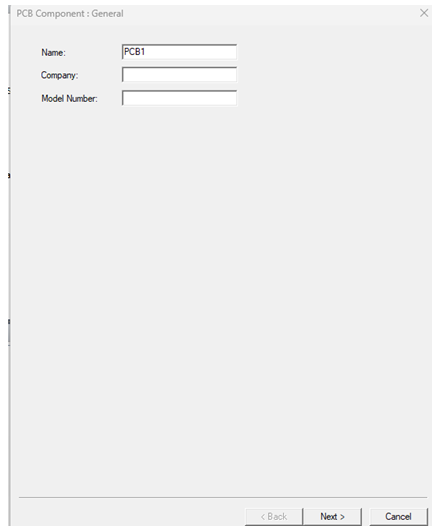
Press Next,
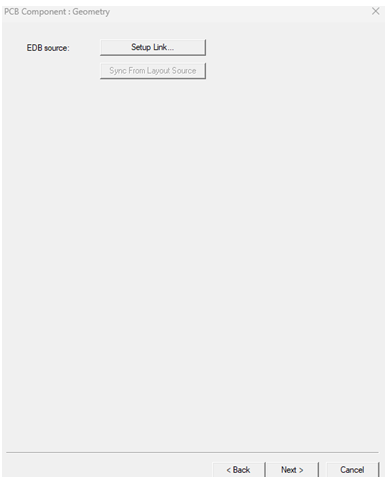
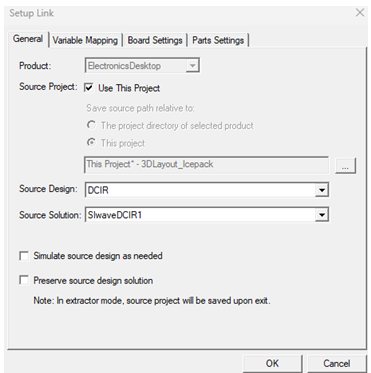
Select setup, enable Simulate source design, and enable Preserve source design solution.
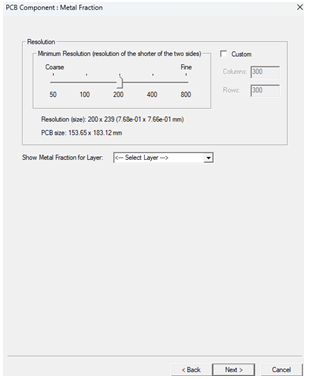
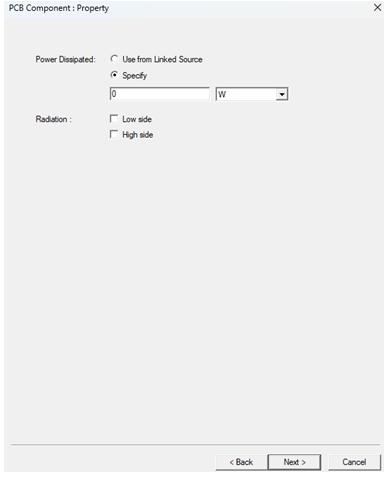
Go Next and select Use from Linked source
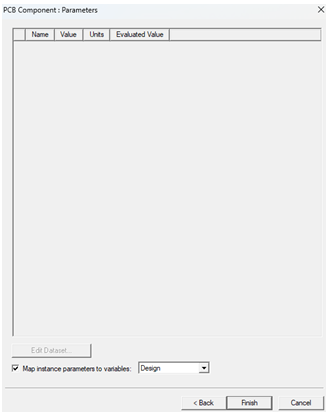
Press Next, then Finish