- Display the layer where you want to put the component (Top or Bottom)
- Right-click, Boundary>Create Circuit Element
- Select two points in the model
- Press O to switch to select objects
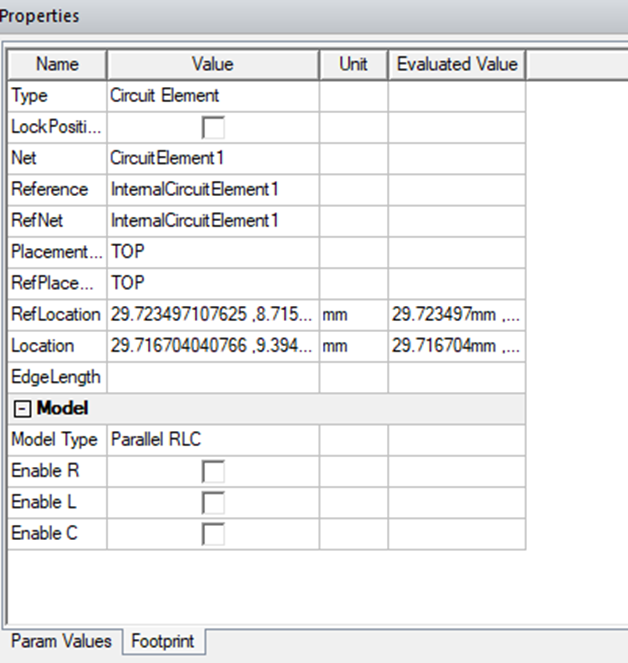
- Select the new component > to display the properties
- In the properties panel, select Footprint or the EM design panel
- Enter the values
English
![Ozen Long - Back (1)-2.png]](https://support.ozeninc.com/hs-fs/hubfs/Ozen%20Long%20-%20Back%20(1)-2.png?height=50&name=Ozen%20Long%20-%20Back%20(1)-2.png)