-2.png?height=120&name=Ozen%20Long%20-%20Back%20(1)-2.png)
- Help Center
- Ansys CFX
-
Getting Started With Ansys
-
Ansys Installation
-
Licensing
-
Ansys Mechanical
-
ANSYS AEDT
-
Ansys Maxwell
-
Ansys HFSS
-
Ansys CFD
-
CAD
-
Meshing
-
LS-Dyna & LS-Prepost
-
SpaceClaim
-
Ensight
-
Ansys Lumerical
-
Zemax
-
Discovery
-
AUTODYN
-
Workbench
-
Ansys EMC Plus
-
SIwave
-
CFD-Post
-
Ansys Sherlock
-
Q3D
-
Ansys 3D Layout
-
Fluent Meshing
-
Thermal Desktop
-
Icepak
-
Ansys Icepak
-
Twin Builder
-
Fluent
-
AEDT Circuit
-
EMA3D
-
Linux
-
Optislang
-
Motor-CAD
-
Ansys CFX
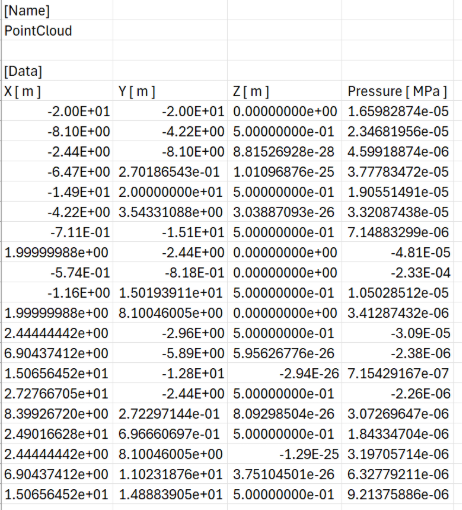
How to postprocess the values in a point cloud for a specific time step and export them as .csv to quick postprocessing in ANSYS CFX.
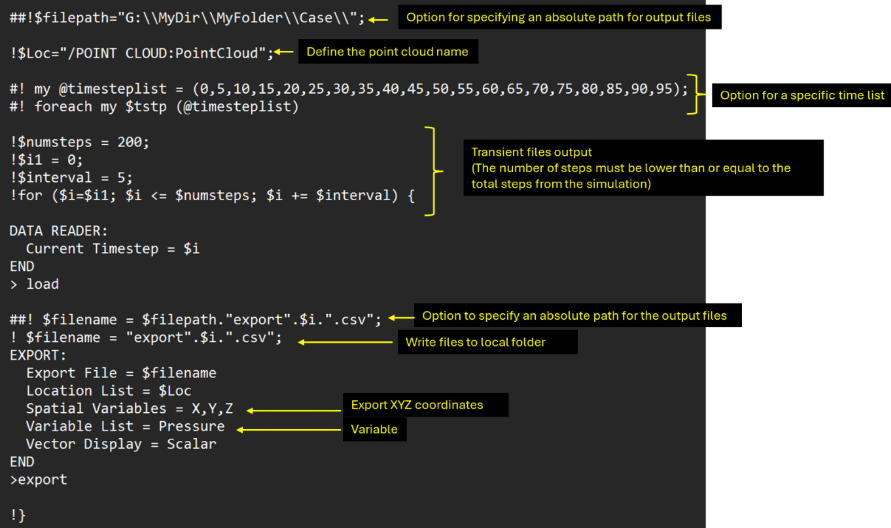
This article shows how to use Perl code in CFX Post to read the solution of a given point cloud and export .csv files for each specific time step.
Answer.
- Create a .cse file with the following code
- Open CFX standalone, and open CFX Post
- Load the state from which you will extract the information
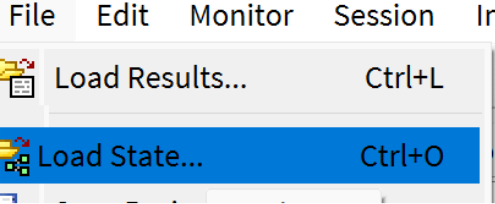
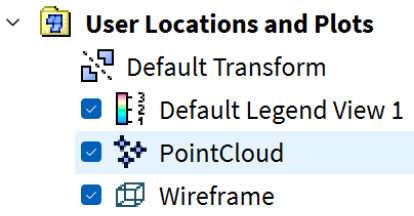
- The state opened must have the Point Cloud created
- In CFD Post, go to Session and then click the play session
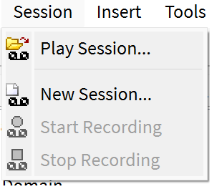
- Look for the file with the Perl code, and read it

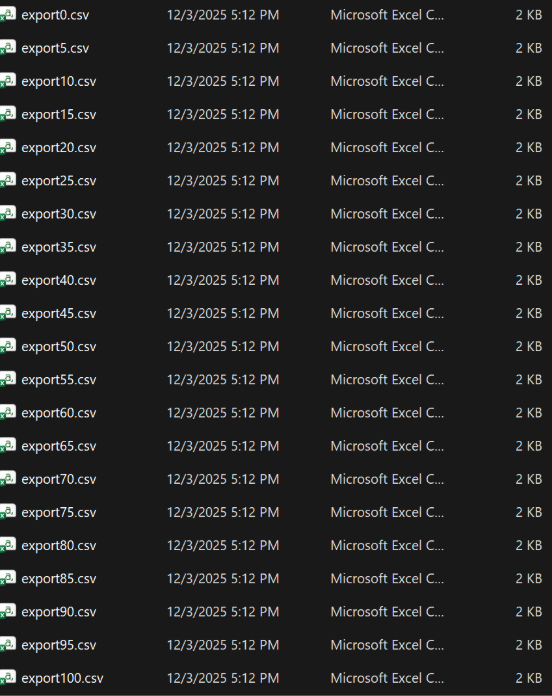
- CFD will create a .csv file for each time step for all the point clouds.