-2.png?height=120&name=Ozen%20Long%20-%20Back%20(1)-2.png)
- Help Center
- SpaceClaim
-
Getting Started With Ansys
-
Ansys Installation
-
Licensing
-
Ansys Mechanical
-
ANSYS AEDT
-
Ansys Maxwell
-
Ansys HFSS
-
Ansys CFD
-
CAD
-
Meshing
-
LS-Dyna & LS-Prepost
-
SpaceClaim
-
Ensight
-
Ansys Lumerical
-
Zemax
-
Discovery
-
AUTODYN
-
Workbench
-
Ansys EMC Plus
-
SIwave
-
CFD-Post
-
Ansys Sherlock
-
Q3D
-
Ansys 3D Layout
-
Fluent Meshing
-
Thermal Desktop
-
Icepak
-
Ansys Icepak
-
Twin Builder
-
Fluent
-
AEDT Circuit
-
EMA3D
-
Linux
-
Optislang
-
Motor-CAD
-
Ansys CFX
How to convert multiple files using the SpaceClaim Converter utility
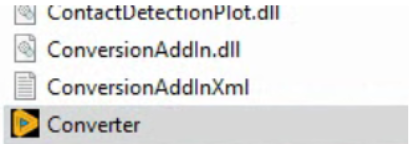
SpaceClaim has a tool named Convert.exe that allows converting multiple files to file formats supported by SpaceClaim in a single operation. This tool is located in the installation folder, and it’s not
- First, find the file. Usually, it is located in the following path (2023R2 release): C:\Program Files\ANSYS Inc\v232\scdm
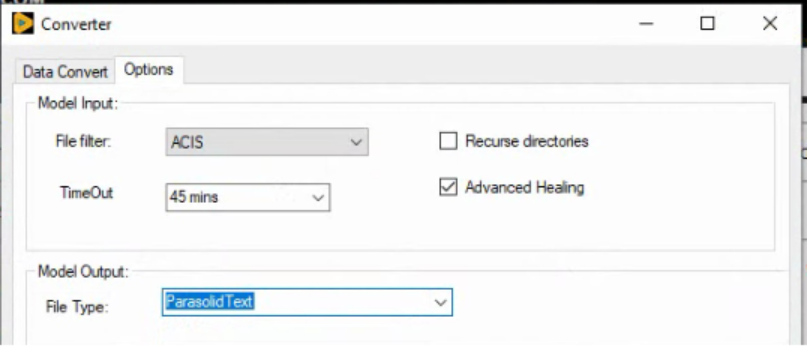
- When you open the application, the 'Options' Tab is displayed. You must select the desired/target format file you want for files after the conversion process. I selected the option 'ParasolidText',
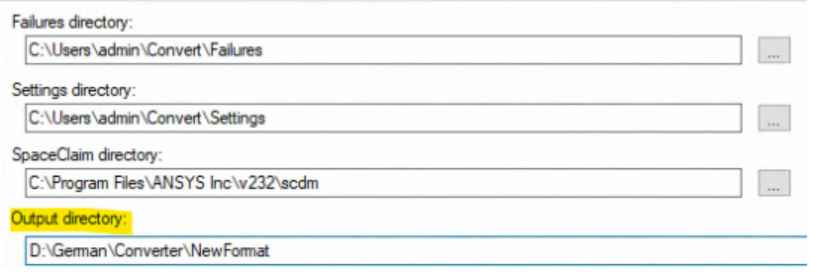
Now, type the path of the folder you want the files to be saved after the conversion process.
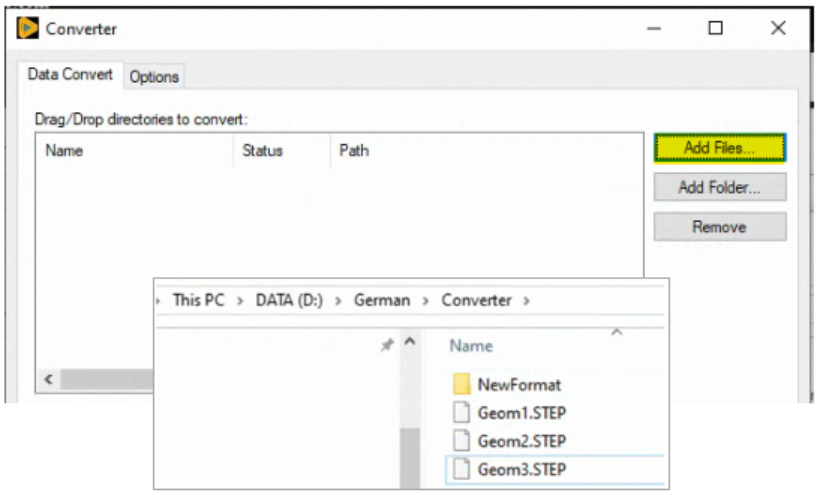
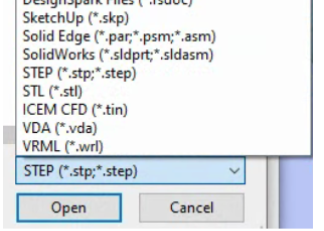
Now, select the format > Select the files > Open
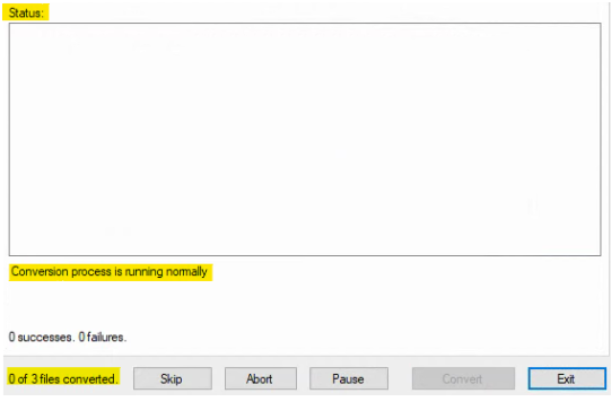
You will see them in the list. Next, a dialog box will appear, click on Yes.

4. The process begins.
At the end, if it is nothing wrong with the files, the process is successful, and you will see this screen.
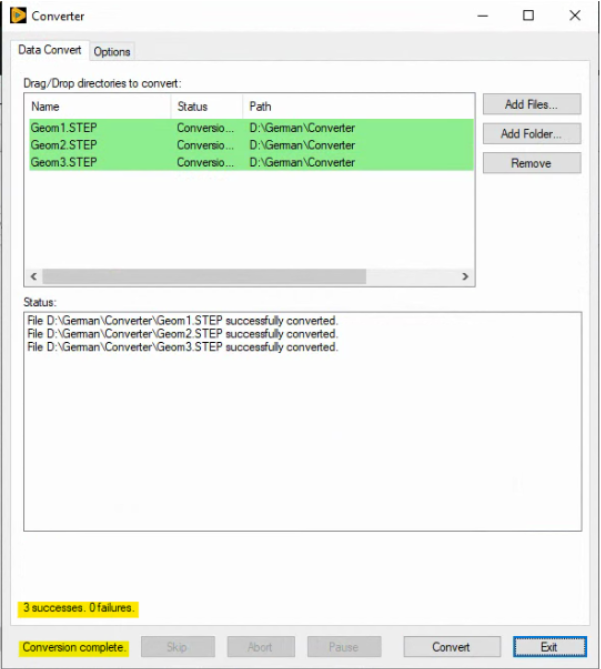
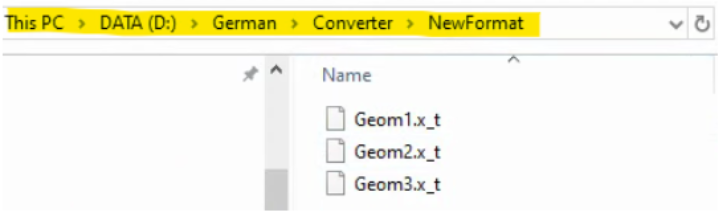
And the files are available in the selected output folder.