-2.png?height=120&name=Ozen%20Long%20-%20Back%20(1)-2.png)
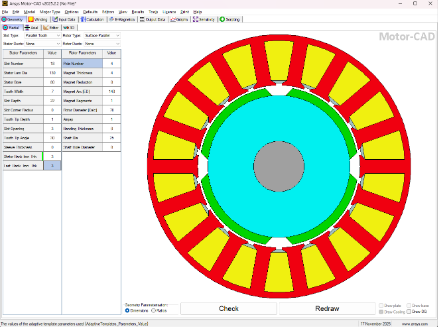
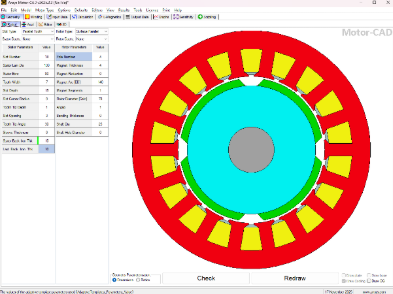
This guide explains how to control stator back iron thickness using Adaptive Templates in Motor-CAD. The method uses an Adaptive Parameter to update the slot depth automatically while keeping the stator outer diameter fixed. The geometry refresh is f
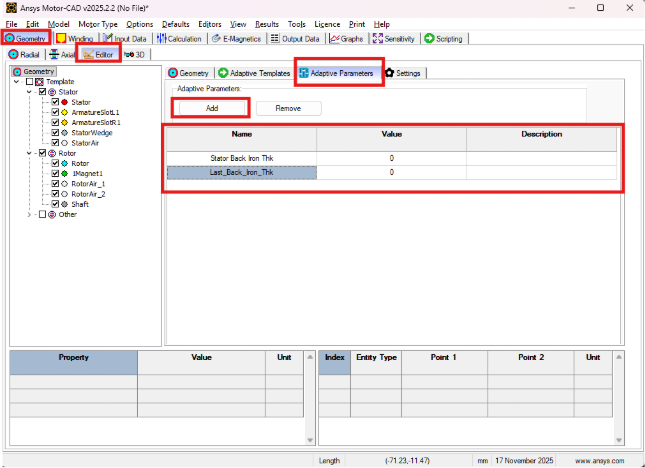
Preparing the Adaptive ParametersOpen Geometry → Editor → Adaptive Parameters and create the following entries:
Stator Back IronThkThis is the value you change from the Radial tab. It represents the radial distance you want between the slot top and the stator OD.
Last_Back_Iron_ThkA helper parameter required to stop the Adaptive Template from running repeatedly.
Set its initial value to 0.
Since the stator OD remains fixed, the only way to change the back iron thickness is by adjusting the slot depth.
Definitions:
Stator outer radius = Stator_Lam_Dia / 2Stator inner radius = Stator_Bore / 2
Slot top radius = Stator inner radius + Slot_Depth
Back iron thickness = Stator outer radius − Slot top radius
Rearranging gives the slot depth needed:
Slot_Depth = Stator outer radius − Stator inner radius − Back Iron Thk
This formula ensures the radial distance from the slot tip to the outer lamination always matches your chosen back iron thickness.
Creating the Adaptive Template Script
Navigate to:
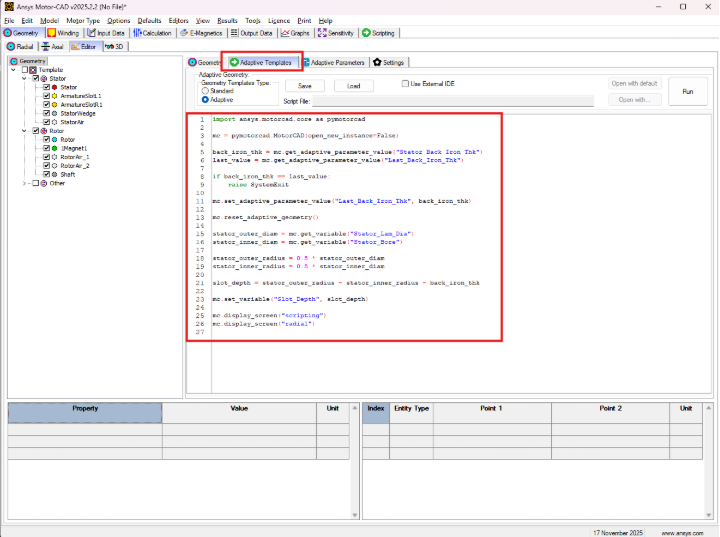
Geometry → Editor → Adaptive Templates
Set Geometry Templates Type = Adaptive, then paste the script:
import ansys.motorcad.core as pymotorcad
mc = pymotorcad.MotorCAD(open_new_instance=False)
back_iron_thk = mc.get_adaptive_parameter_value("Stator Back Iron Thk")
last_value = mc.get_adaptive_parameter_value("Last_Back_Iron_Thk")
if back_iron_thk == last_value:
raise SystemExit
mc.set_adaptive_parameter_value("Last_Back_Iron_Thk", back_iron_thk)
mc.reset_adaptive_geometry()
stator_outer_diam = mc.get_variable("Stator_Lam_Dia")
stator_inner_diam = mc.get_variable("Stator_Bore")
stator_outer_radius = 0.5 * stator_outer_diam
stator_inner_radius = 0.5 * stator_inner_diam
slot_depth = stator_outer_radius - stator_inner_radius - back_iron_thk
mc.set_variable("Slot_Depth", slot_depth)
mc.display_screen("scripting")
mc.display_screen("radial")
What the script does
Detects whether the backiron parameter changedStops immediately if nothing changed (prevents infinite loops)
Recalculates slot depth using the required formula
Applies the new slot depth through scripting
Forces geometry refresh by flipping screens
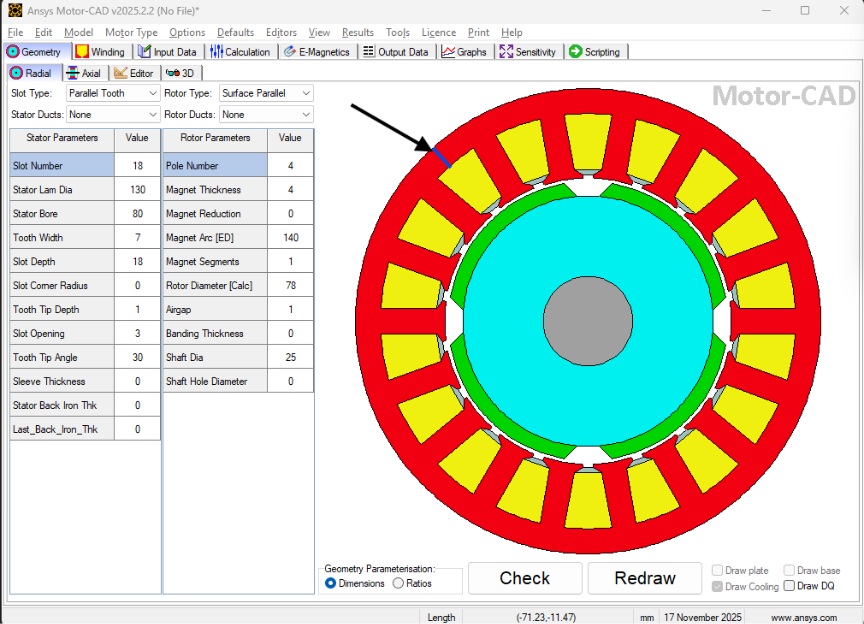
Go to Geometry → Radial.
Change the value of Stator Back Iron Thk.
MotorCAD triggers the Adaptive Template script.
Slot depth updates in the background.
Geometry redraws automatically due to the screenswitching commands.
Your back iron thickness is updated.
Note: The text field for Slot Depth in the Radial tab may not immediately show the new value, but the geometry and internal model do update.